
AC chargingDedicated price
Find itin the app
Find chargers on the map, check availability and prices, and start and pay for charging with the MeCharge app. Use one account at MeCharge stations and enabled partner networks.


Charging prices can change according to the station, operator and available conditions. MeCharge updates them dynamically and works to keep them among the most competitive on the market.
No need to switch between apps: MeCharge brings search, charging, payment and documents together in one simple experience.
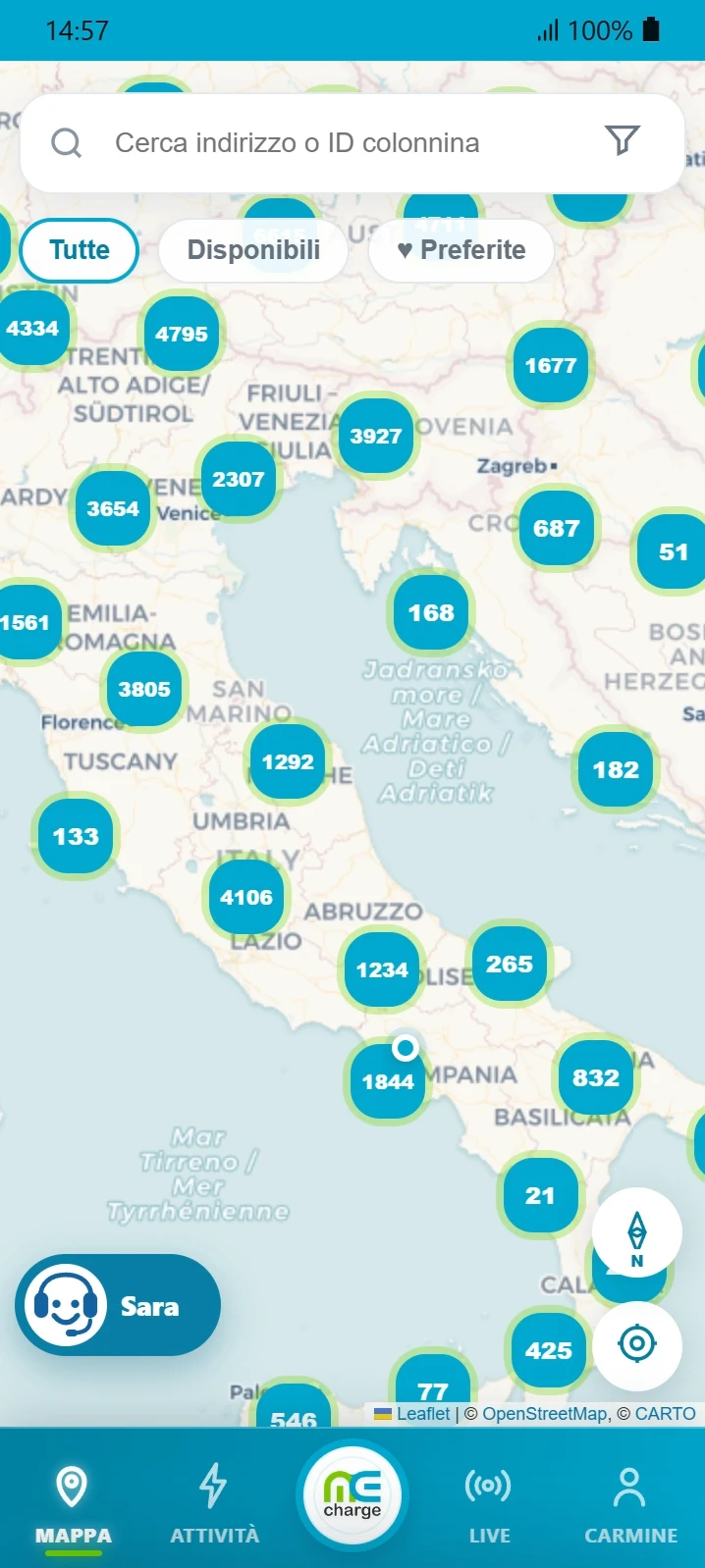
Search the map for MeCharge stations and those accessible through available partner networks.
See the connector price before confirming and make an informed choice.
Select a connector and payment method, then follow the session status.
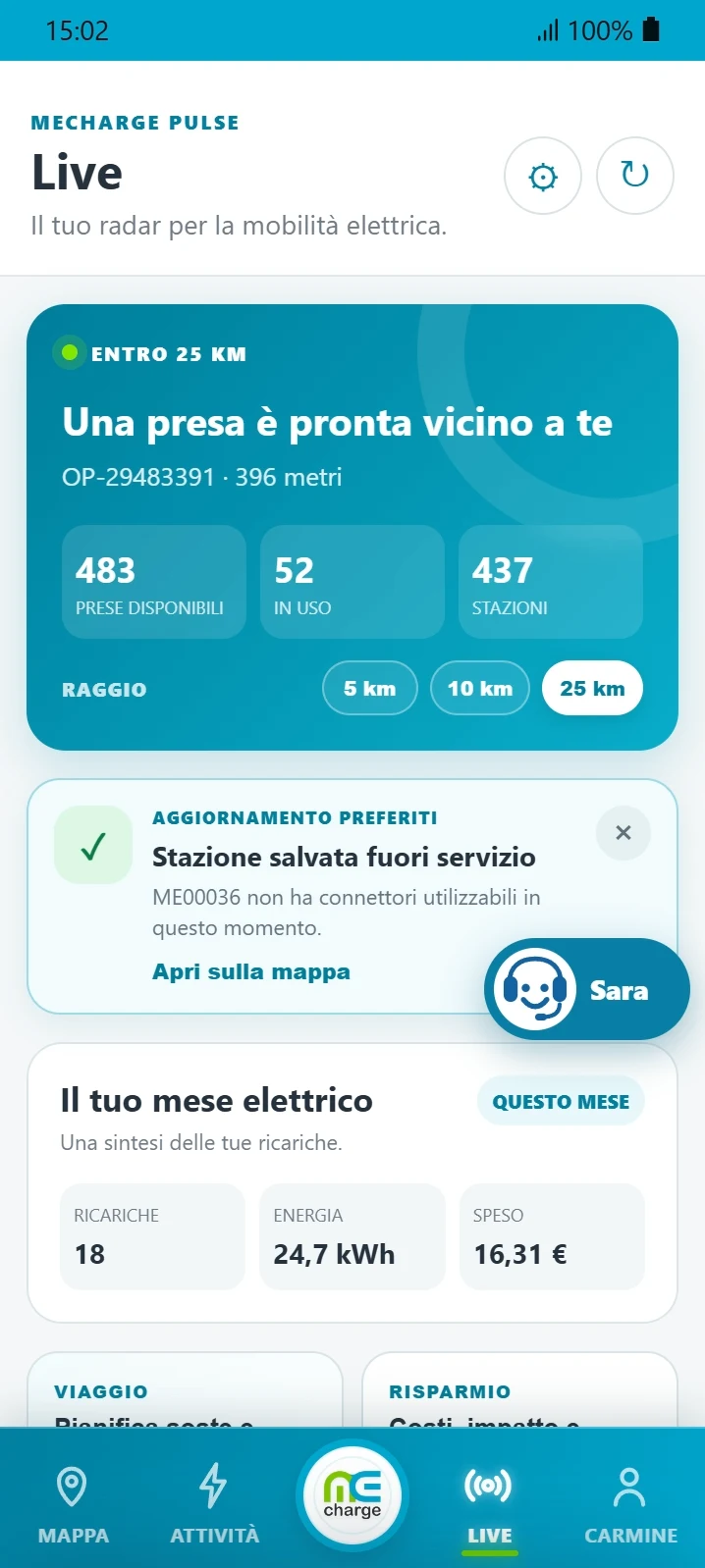
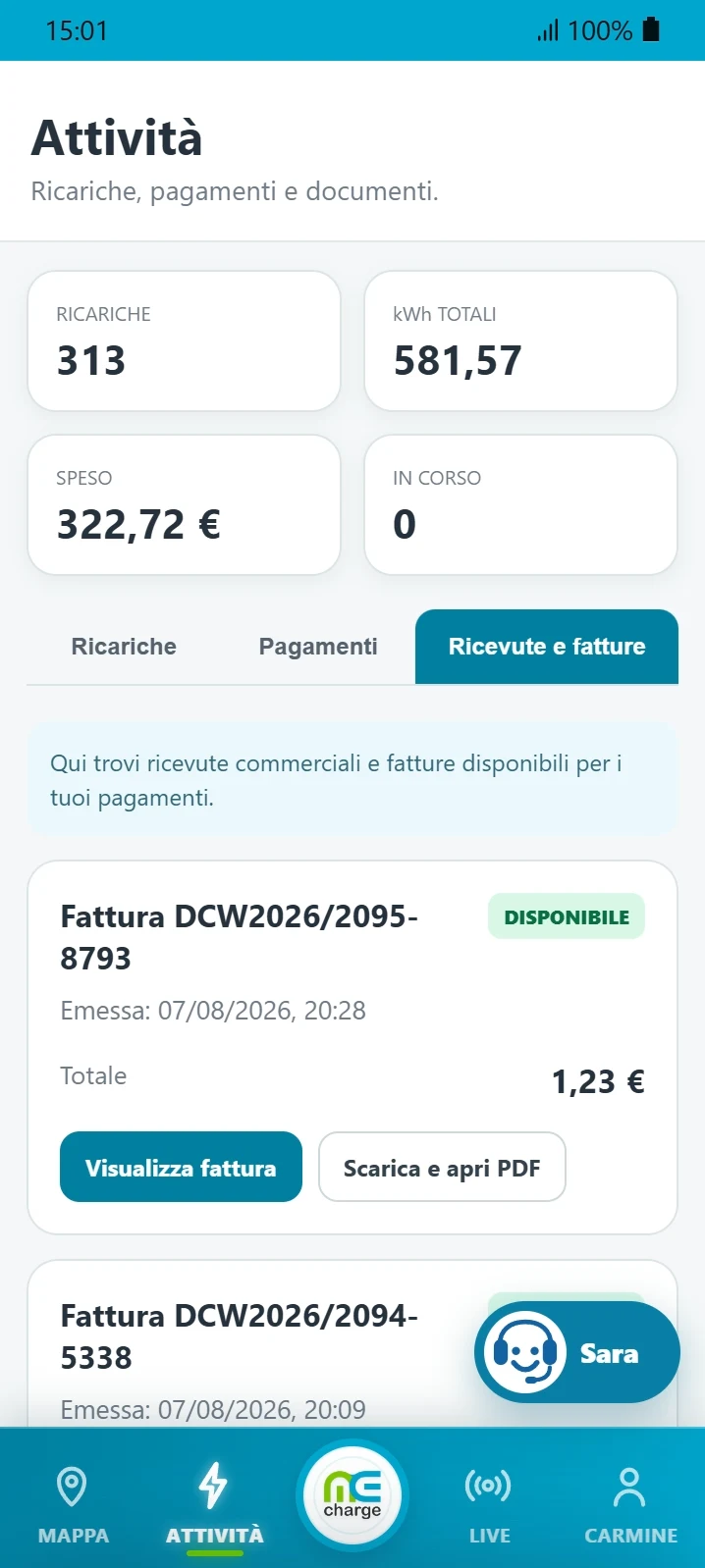
Review charging, payments, receipts and invoices directly in the app.
Through roaming and interoperability agreements, MeCharge manages and makes available in the app over 600,000 charging points. Find a station, check the price and start your session without changing accounts.
A clear process, built around what you actually need while travelling.
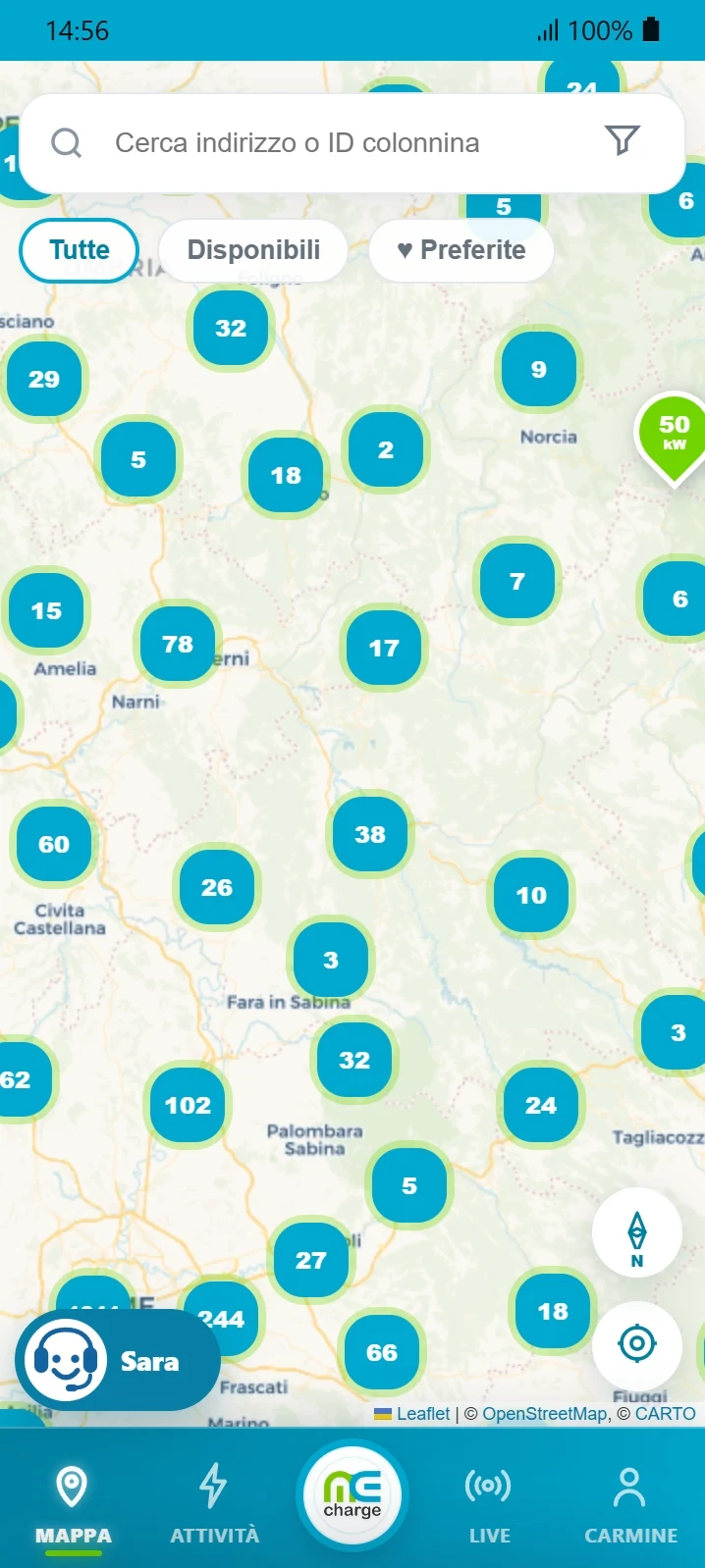
Explore the network and filter available or favourite stations.
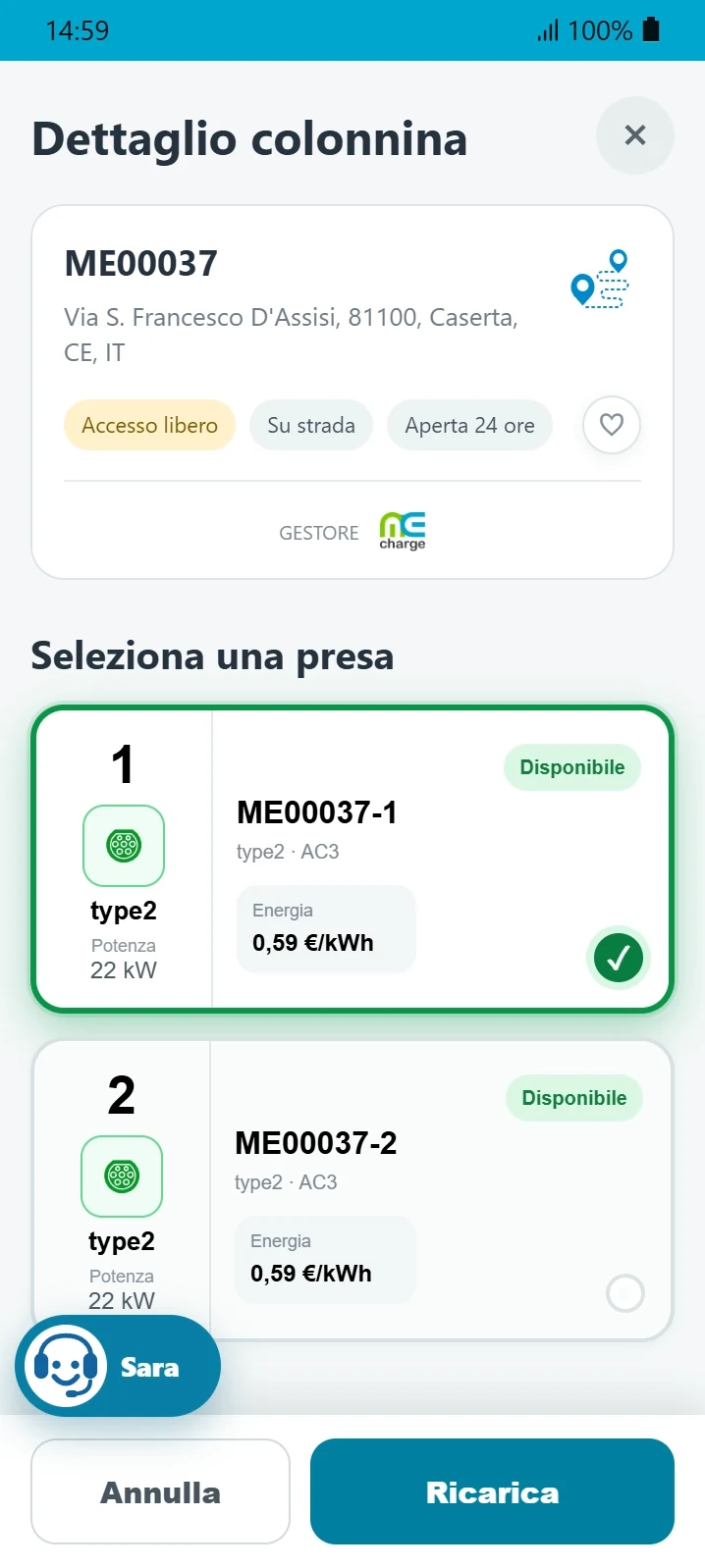
Check power, availability and price before proceeding.
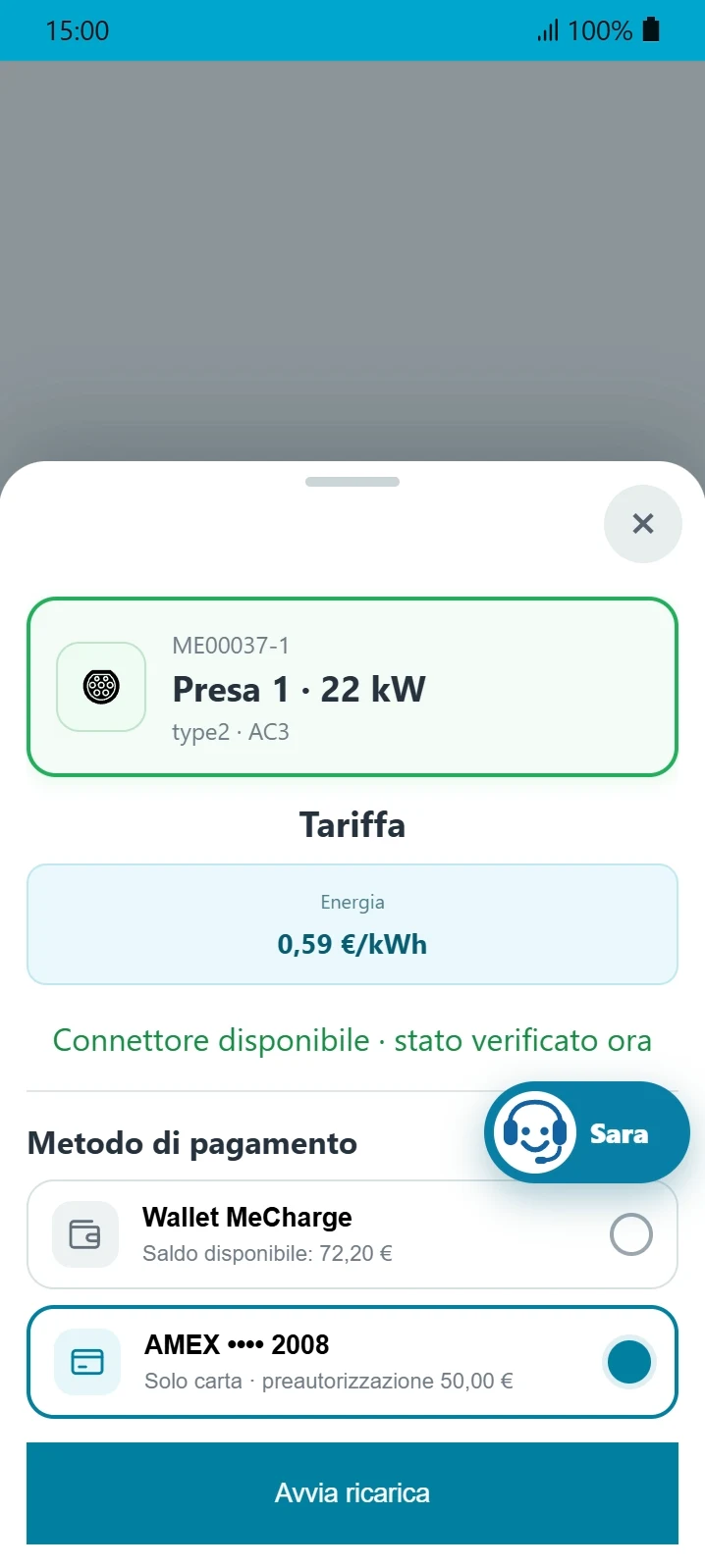
Choose a payment method and start the session directly in the app.
From finding a nearby station to payment and session documents.
MeCharge is an electric vehicle charging app for iPhone and Android. It lets you find enabled chargers, check prices, start charging and pay. You can use it with electric cars and plug-in hybrids, choosing a connector and charging method compatible with your vehicle.
Open the map in the MeCharge app and find stations in your chosen area. If you allow location access, you can see where you are. Open a station's details to check availability, power, connector type and price before travelling there.
Yes, you can use MeCharge stations and partner stations enabled in the app. To check a particular charger, find it on the map and review the available connectors and conditions. Not every station belonging to every operator is necessarily enabled.
The app is free to download; charging costs depend on the station and connector selected. Before confirming, check the price and any time, start or parking charges shown. Prices can differ between operators and charging points.
Select a station and compatible connector in the app, check the price and choose a payment method available in your account. Follow the instructions to connect your vehicle and send the start command. Check the actual session status: sending the command does not mean charging has already started.
In the app you can review session history, energy delivered, duration and charging costs. The documents area contains available receipts and invoices to view or download.
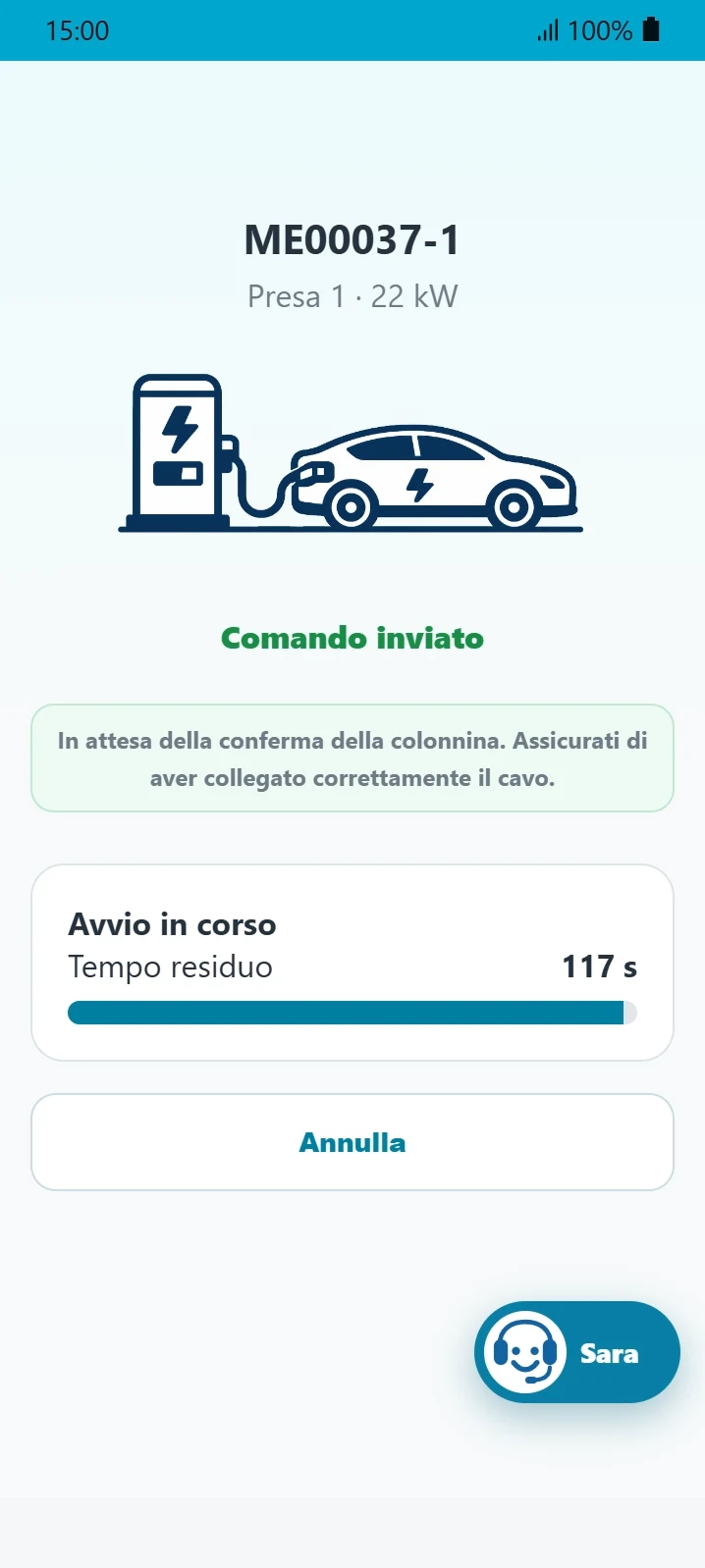
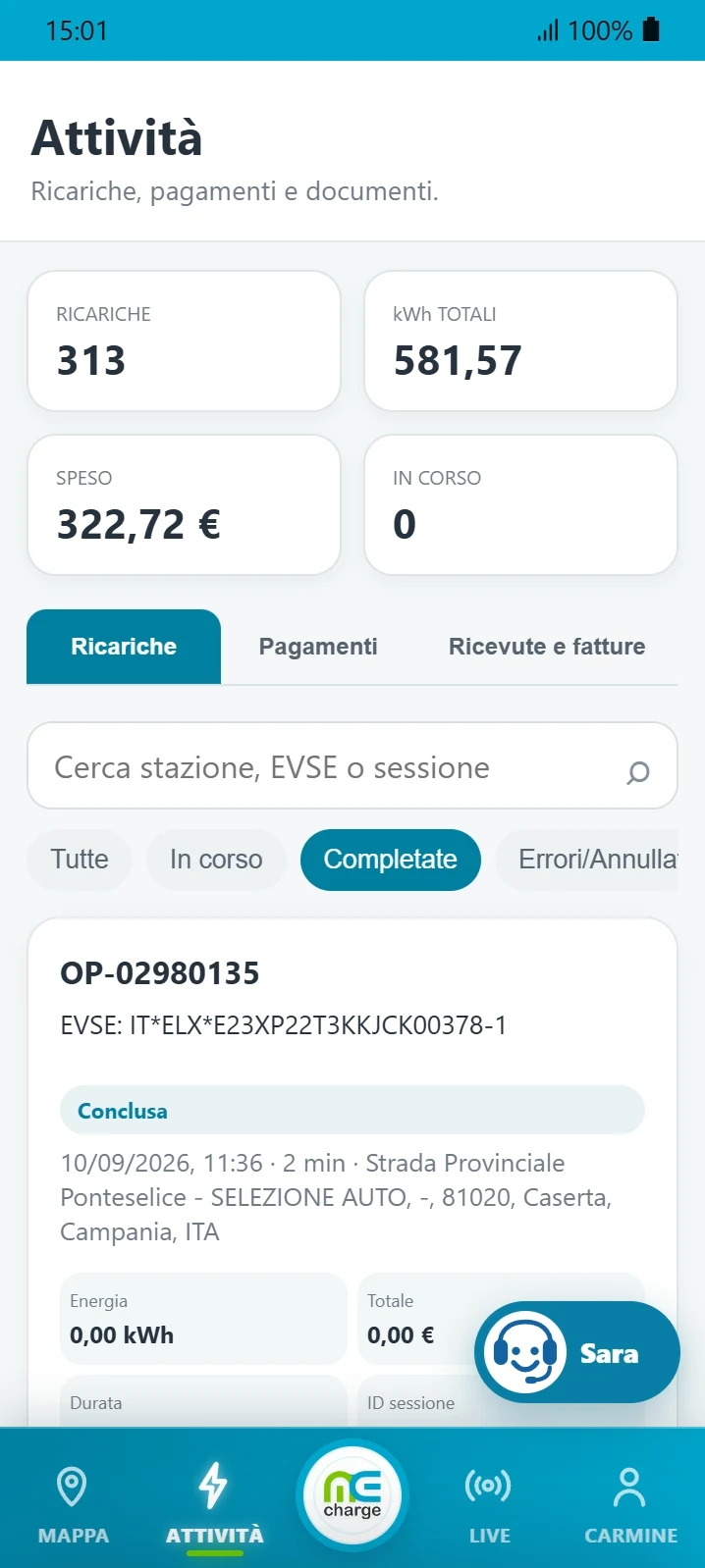
The app confirms that the command has been sent, shows session status and saves your activity history. In the dedicated area you can review payments, receipts and invoices.
Download the app for free →MeCharge keeps the information you need even after the session has ended.
Offer charging to your customers, guests or employees with MeCharge.
Learn how to choose a wallbox, how much power you need, charging times and the rules for houses, condominiums and underground garages.